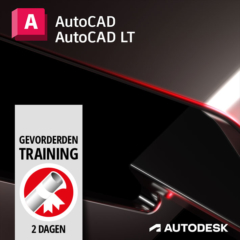
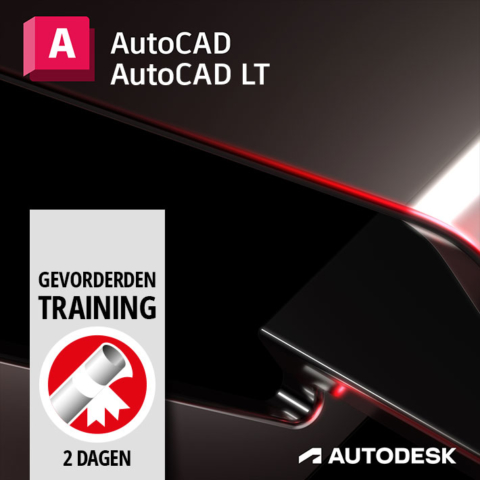
AutoCAD (LT) Advanced Course
€795,00 (Excl. TAX)
€961,95 (Incl. TAX)
This course is aimed at experienced users of AutoCAD. This course deepens the knowledge related to the capabilities of AutoCAD.
The course is taught by an experienced and certified trainer at one of the ICN Training Center’s training locations. This training will last for 2 days and afterwards you will receive an Autodesk certificate to prove that you are skilled in Autodesk AutoCAD (LT). Training days are always from 9:30am to 4:00pm and coffee, tea, and lunch are included in the price.
- Description
- Training Locations
Description
This training is provided by ICN Training Center at one of their training locations.
Training duration:
This training will last for 2 days from 9:30 am to 4:00 pm.
Prerequisite Knowledge:
This course is aimed at experienced users of AutoCAD. This course deepens the knowledge related to the capabilities of AutoCAD.
Included in the price:
- Taught by a certified trainer.
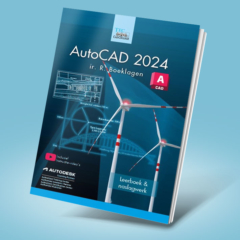
- Autodesk AutoCAD book.
- Each training room has complete CAD workstations for the students. These are equipped with the Autodesk software required for the training.
- Unlimited coffee, tea, and water.
- Lunch.
- Autodesk Certificate.
- Support up to 1 month after training
Training content:
For a complete overview of the training content, please visit the ICN Training Center website at https://icn.nl/training-autodesk-autocad-lt-gevorderden/.
Training Locations:
ICN Training Center ‘s-Hertogenbosch
Europalaan 14 – 18
5232 BC ‘s-Hertogenbosch
Telephone +31 (0) 73 750 6 750
ICN Training Center Rotterdam
Van Nelleweg 2425
3044 BC Rotterdam
Telephone +31 (0) 10 751 9 630
ICN Training Center Apeldoorn
FizzionParc, OAK Building B1.23
Old Apeldoornseweg 41
7333 NR Apeldoorn
Phone +31 (0) 55 539 5 818
Recommended for you
-
-
-
-
AutoCAD
From: €161,25 (Excl. TAX)
€195,11 (Incl. TAX)Select options This product has multiple variants. The options may be chosen on the product page