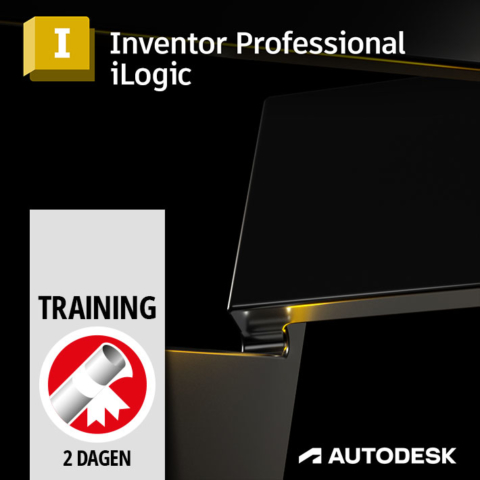
Autodesk Inventor iLogic Course
€795,00 (Excl. TAX)
€961,95 (Incl. TAX)
During the Autodesk Inventor iLogic training, you will learn to work with the iLogic programming tool. For this you do not need to be or become a programmer. After taking this course, you will be able to use iLogic to automate tasks within Inventor and therefore realize huge savings in design time and engineering costs.
The course is taught by an experienced and certified trainer at one of the ICN Training Center’s training locations. This training will last for 2 days and afterwards you will receive an Autodesk certificate to prove that you are skilled in Autodesk Inventor. Training days are always from 9:30am to 4:00pm and coffee, tea, and lunch are included in the price.
- Description
- Training Locations
Description
Training Information
This training is provided by ICN Training Center at one of their training locations.
Training duration:
This training will last for 2 days from 9:30 am to 4:00 pm.
Prerequisite Knowledge:
In order to do this training well, you already need basic knowledge of Inventor and of Microsoft Windows. Do you not have much experience with Inventor yet and are not yet familiar with all the basic functionalities? Then we recommend that you first take an Inventor basic course.
Included in the price:
- Taught by a certified trainer.
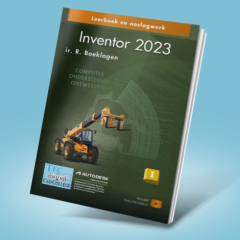
- Autodesk Inventor book.
- Each training room has complete CAD workstations for the students. These are equipped with the Autodesk software required for the training.
- Unlimited coffee, tea, soft drinks and water.
- Lunch.
- Autodesk Certificate.
- Opportunity to ask questions up to 1 month after the training.
Training content:
During this training you will learn the basics of iLogic, automating repetitive tasks, working with parameters, rules, forms, snippets, dialog boxes and much more!
Check the ICN Training Center website for a complete overview of Inventor iLogic training content.
Registration:
Register yourself or your colleagues for this training by selecting the desired training dates. Is the date not convenient for you? If so, please contact us for another training date. Once you have purchased the training, we will contact you to confirm it and to enroll the student(s).
Training Locations:
ICN Training Center ‘s-Hertogenbosch
Europalaan 14 – 18
5232 BC ‘s-Hertogenbosch
Telephone +31 (0) 73 750 6 750
ICN Training Center Rotterdam
Van Nelleweg 2425
3044 BC Rotterdam
Telephone +31 (0) 10 751 9 630
ICN Training Center Apeldoorn
FizzionParc, OAK Building B1.23
Old Apeldoornseweg 41
7333 NR Apeldoorn
Phone +31 (0) 55 539 5 818
Recommended for you
-
-
-
-
Inventor Professional
From: €2.385,00 (Excl. TAX)
€2.885,85 (Incl. TAX)Select options This product has multiple variants. The options may be chosen on the product page